
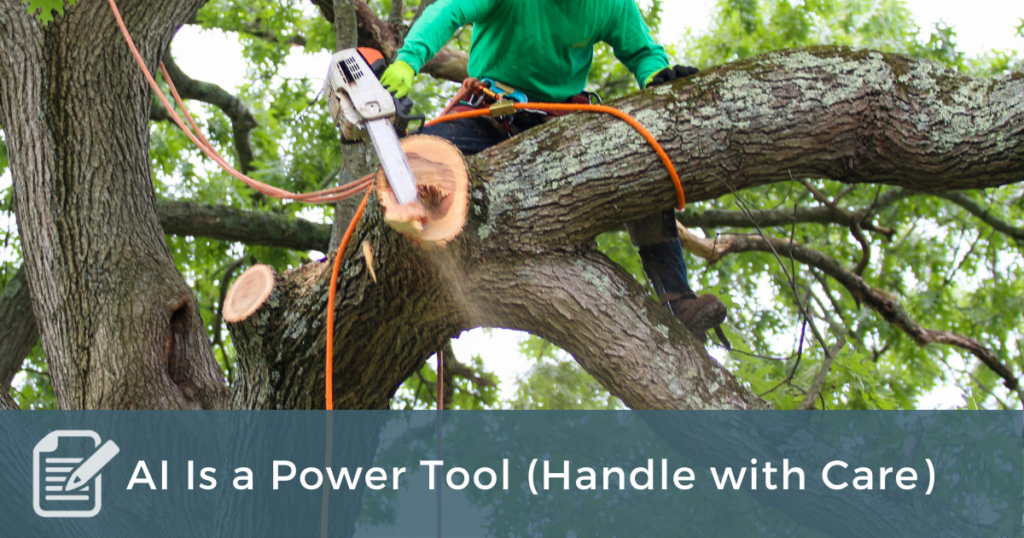
My brother-in-law is a contractor, and I once told him that power tools make me nervous. I know more than one person who has fewer than five fingers because they weren’t careful enough with a power tool.
He said, “You should be nervous. Fear causes you to be careful.”
If you’re going to do any amount of carpentry, you’re going to want a power tool. They make the work go a lot faster.
There are tons of good reasons not to use AI. In my new eCourse, The Complete Guide to Growing Your Coaching Practice, I give seven warnings under the title: “AI Can Kill You.”
But that being said, AI is a power tool. If you’re going to do any amount of thinking, you’re going to want to use AI. It makes your work go faster—and often, clearer.
Let me give you three practical tips for using AI in a ministry context.
The Prompt: Type Everything You Can
When you open AI, it asks for input. That’s called the prompt.
There’s no length limit. Don’t think like Twitter or Google. Think like a brain dump.
Give it everything—your context, your audience, your hopes, your tone, even your examples. The more information, the more clarity.
Let’s say I wanted to prepare for a Bible Study on Romans 12:1-2 for a group of men:
I’m preparing a Bible study around Romans 12:1-2 for a group of men in the midwestern United States. We’ll have about an hour to study. I’d like 3 major points with the hopes of motivating the men to transform their lives to be more like Christ. It would be nice to have a balance of theological understanding with practical implementation. My tribe leans more Armenian than Calvinist, more evangelical than mainstream. Most of the men are college educated and in their sixties.
Don’t assume AI has a “point of view” or that there’s one right answer. The more context you give it, the more it will sound like you. Don’t edit your thinking. Just pour it out.
The Upload: Give it Context
This is the upgrade that changes everything.
In ChatGPT, there’s a little “+” in the prompt bar. Click it, and you can upload files—transcripts, notes, even PDFs.
In my eCourse, I include transcripts you can upload to give the AI rich context for your coaching practice. You can do the same thing with your theology, your writing, or your ministry.
For example, here’s what I asked AI to help me create:
“Help me create a theological thinkers file. I want 3 to 5 New Testament commentators, 3 to 5 Old Testament, and 3 to 5 theological thinkers. I want to include C.S. Lewis, N.T. Wright, Walter Brueggemann, Timothy Keller, and Brian Zahnd.”
It gave me a list, I refined it (told it who to remove and why), asked for explanations on names I didn’t know, and then had it create a PDF.
Now, when I’m writing a sermon or study, I simply upload that “Theological Thinkers File.” The AI then automatically filters its thinking through the same theological lens I trust.
Yes, No, and And
Once you get a response, that’s your first draft—don’t stop there.
Now your job is to coach it.
Respond fast and direct:
Too generic.
Good tone. Wrong focus.
Cut 30%.
Start with the story about Jerusalem.
I usually do this for at least three rounds. For longer work, I’ll handle it section by section. Sometimes I even say, “Let me take a crack at it,” paste my rewrite, and hit enter. AI learns instantly when you show what you mean.
The more you shape it, the more it starts to sound like you.
Bonus Thought: The Goal Isn’t Perfection—It’s Partnership
AI doesn’t replace your creativity. It amplifies it. It’s the brainstorming partner who never gets tired, never judges your rough drafts, and never runs out of ideas. Used well, it’s like having a 24/7 writing retreat with someone who knows all your favorite authors and has no ego of its own.
So try this rhythm:
- Dump your thoughts.
- Upload your context.
- Shape the results.
That’s the rhythm. If you stick with it, you’ll start to see AI not as a shortcut—but as a mirror for your best thinking.